Database Perspective
Using the Database perspective, you can browse tables or collections from databases, execute XQuery or SQL queries, inspect or modify data, and specify XML Schemas for the XML fields and collections.
The database support includes many of the popular servers, operating either as native XML storage (MarkLogic, eXist, Berkeley) or mixed, as relational and XML at the same time (DB2, SQLServer, Oracle).
Note that only eXist, Berkeley, and JDBC (limited to table browsing) database support is included in the Oxygen Professional and Academic license editions. For other databases, you need the Enterprise license edition.
The Database Perspective contains a Data Source Explorer view for browsing and managing the defined connections (you can define multiple connections at one time and browse them in parallel), a Table Explorer view component for data inspection, the main editor area, and some helper views.
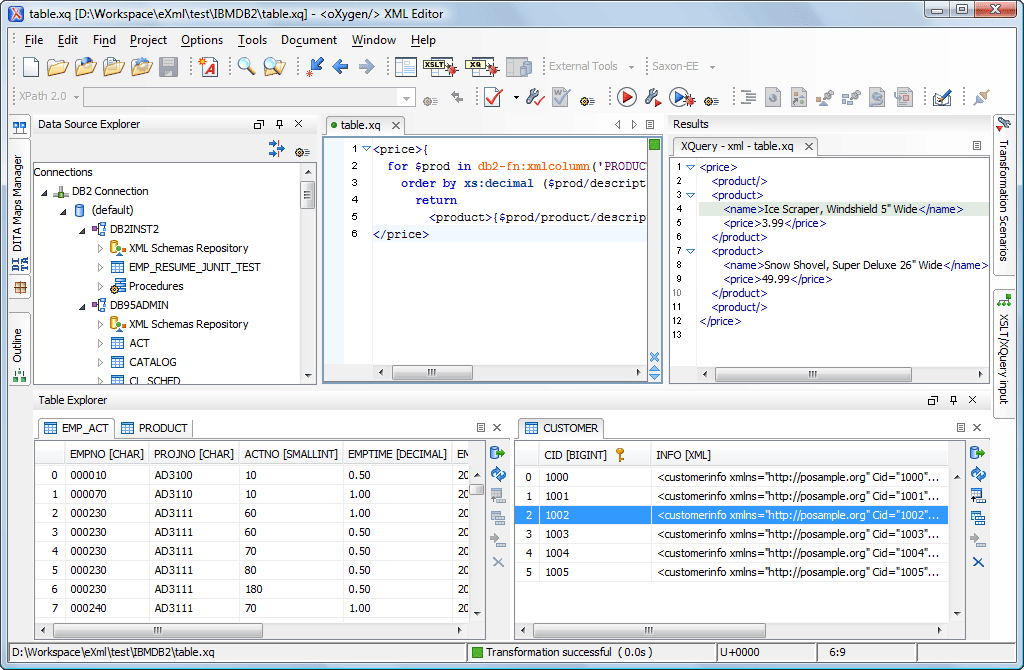
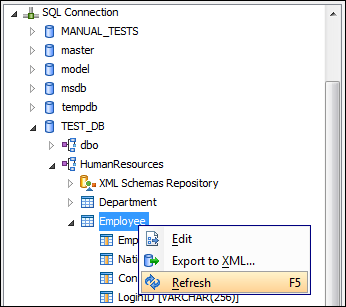
The Data Source Explorer view shows the database connections, schemas, catalogs, tables, and field names. You can click on a table and choose to edit the data or export it as XML.
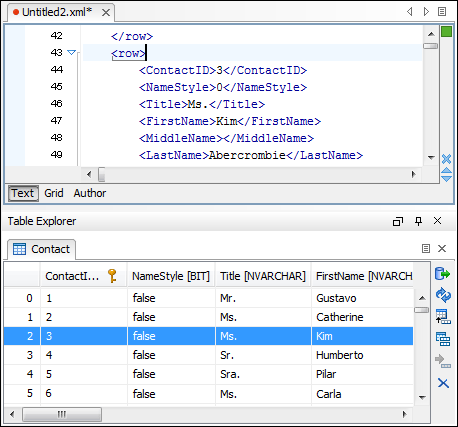
Relational database tables in the Data Source Explorer view can be displayed and edited in a Table Explorer view. Numerous operations are available in the Table Explorer view, including delete, insert, commit or duplicate rows, and more.
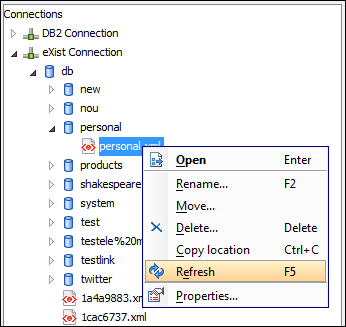
For native database connections, the browser shows collections and documents. You can manage the collections with actions such as delete, move, and rename, or you can edit the XML documents.
Note that due to redistribution policies for the database drivers, you will need to download the driver files from your database vendor website.